Blink Doorbell Installation In Grand Cayman

Published
What is the best Blink doorbell installation company in Grand Cayman?
Blink is one of the most popular video doorbell brands. If you have recently purchased a new Blink doorbell, but you need help installing it at your home, then CALL GEORGE is the best company for this service. We have professional technicians available to drill holes and attach the bracket where the Blink doorbell attaches to. We also help set up the Blink app on your phone, to ensure everything is working before we leave.
How to install & set up a Blink doorbell
At a real client's home in Grand Cayman, we installed and set up a Blink doorbell. We opened the package, downloaded the Blink app on the client's phone where he created his own Blink account, and connected his doorbell to that account. We then fitted two batteries and verified the doorbell was working, before drilling two small holes in the wall adjacent to the front door and screwing in the bracket the doorbell slides onto. These are the real job photos and the steps we took.
1. Open the package and set up the Blink app
We started by opening the package and downloading the Blink app on the client's phone. The client created his own Blink account, so the doorbell and its recordings stay under his control, and we connected his Blink doorbell to that account before any tools came out.
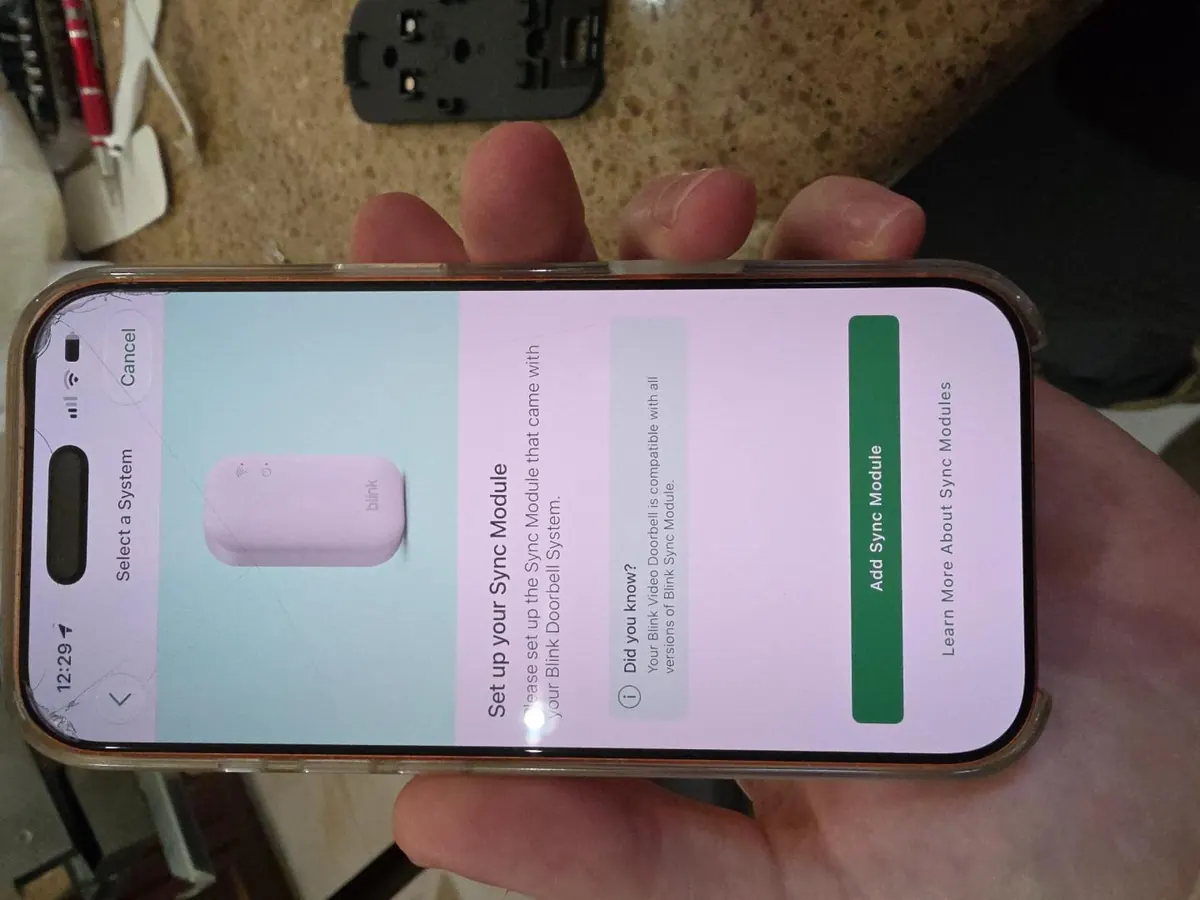
Setting up the Sync Module in the Blink app on the client's phone, with the mounting bracket on the counter beside it. 2. Fit the batteries and check it works
With the doorbell paired to the account, we fitted two AA batteries and verified the doorbell was working before anything was drilled. The label inside the doorbell calls for 1.5V lithium batteries, so that is the type that goes in.
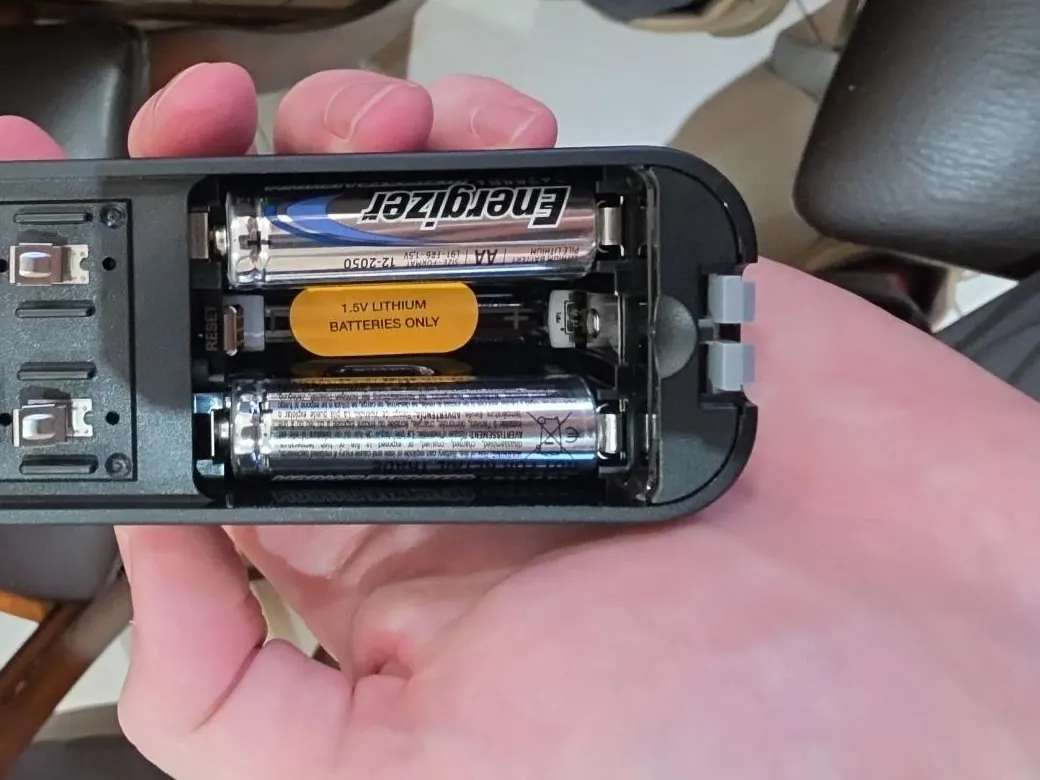
Two AA batteries fitted in the back of the Blink doorbell before the mounting work began. 3. Drill two small holes beside the front door
We marked the position on the wall adjacent to the front door, then drilled two small holes for the mounting screws. Drilling the holes one at a time keeps the bracket square and lets the position be corrected before the wall is committed to.
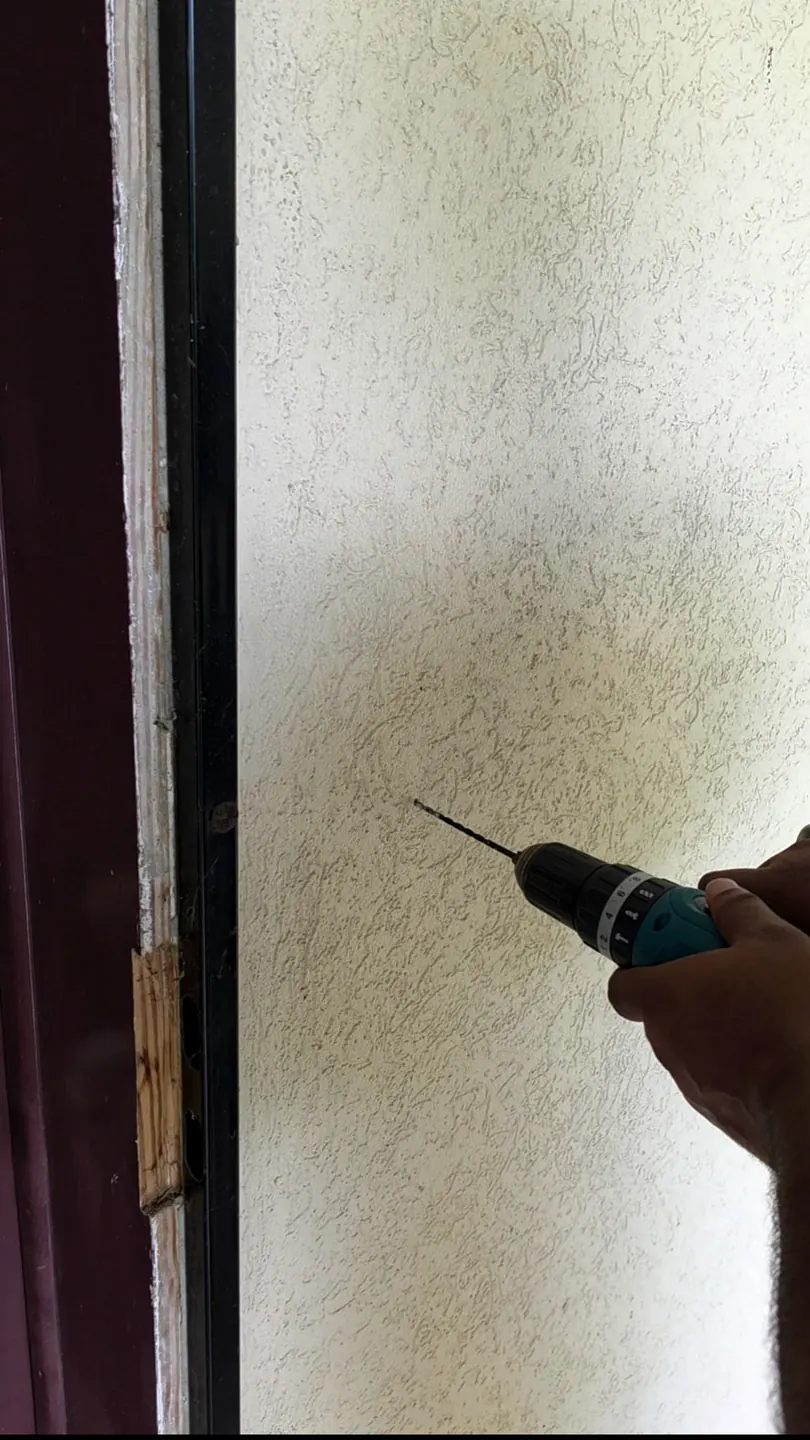
Drilling the pilot holes for the bracket in the wall beside the front door. 4. Screw the bracket in and slide the doorbell on
We set the anchors and screwed the bracket to the wall. That bracket is where the Blink doorbell attaches, so the doorbell slides straight onto it. Once it was seated, we tested the doorbell so everything was working before we left.
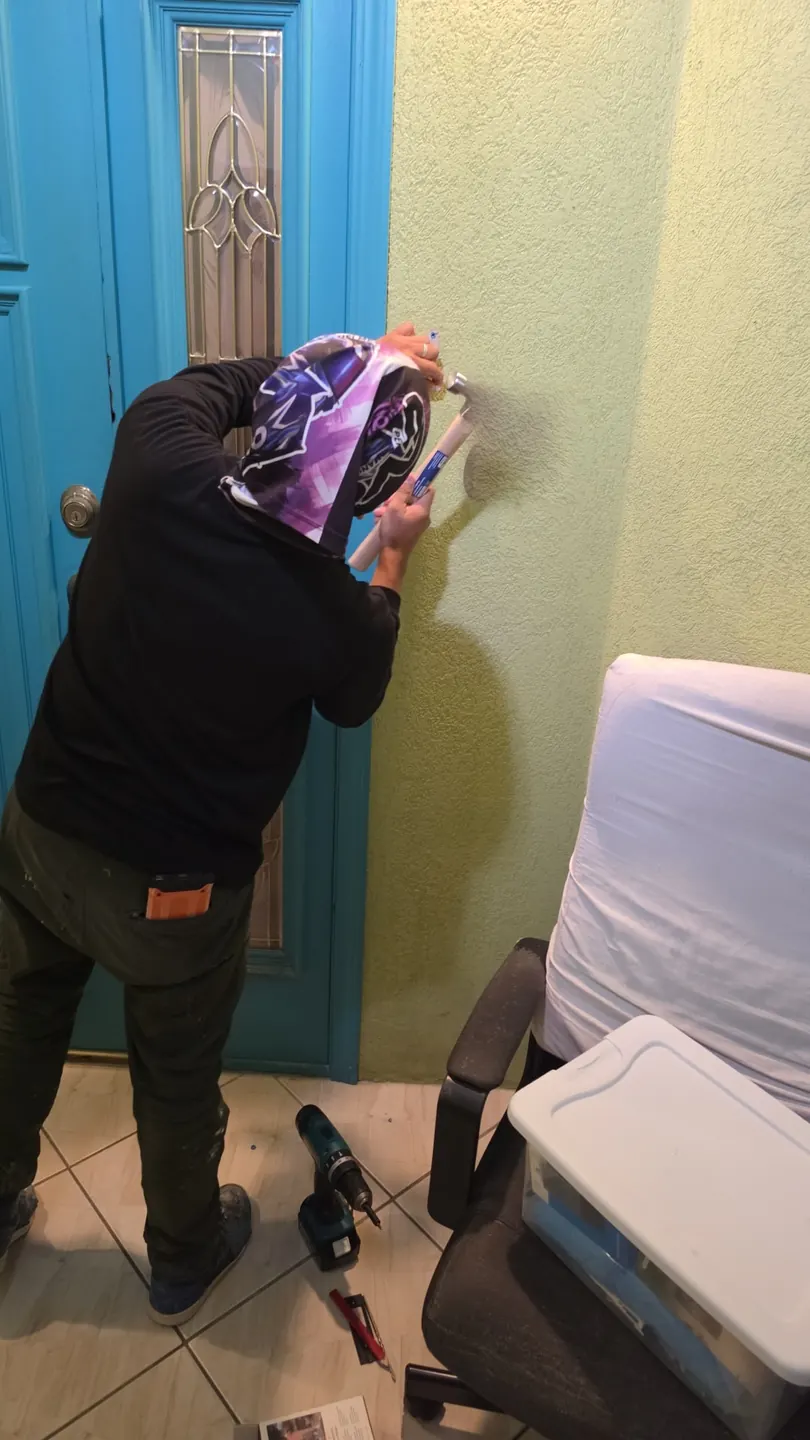
Setting the anchor beside the front door so the bracket can be screwed firmly to the wall.
Frequently asked questions
How much does a Blink doorbell installation cost?
Our standard rate is $125 KYD per hour. Larger jobs are quoted per project. The total depends on the wall you are mounting to, whether the bracket needs anchors, and how much time the app setup takes. Send us a photo of the area beside your front door for a quote specific to your setup.
How long does a Blink doorbell installation take?
Where the wall is straightforward to drill and the app setup goes smoothly, the work is normally finished in a single visit. The time needed depends on the wall material, whether the mounting position needs to be moved, and whether the doorbell pairs with your Blink account at the first attempt. We can advise on timing after seeing your setup; we do not promise a fixed turnaround before inspection.
What do I need before the installation?
Your Blink doorbell, the mounting bracket it comes with, two fresh AA batteries of the type your doorbell calls for (the label inside many Blink doorbells specifies 1.5V lithium batteries only), and your phone with the Blink app installed. You also need a Blink account, which you create yourself so the doorbell and its recordings stay under your control. If you have not bought batteries yet, tell us and we can bring them.
What does a Blink doorbell installation involve?
We download the Blink app on your phone and you create your own Blink account, then connect the doorbell to that account and confirm it is talking to the app. We fit the batteries and check the doorbell works before any drilling. Then we mark and drill two small holes in the wall beside the front door, set the anchors, screw the mounting bracket to the wall, and slide the doorbell onto the bracket. Before we leave, we test the doorbell so everything is working.
Can I install a Blink doorbell myself?
Blink provides its own setup guidance, and the app side is straightforward. The drilling is where most people run into trouble: the wrong anchor for the wall, a bracket that is not level, or a hole drilled in the wrong place because the doorbell could not reach its account. If you drill your own holes, check the position with the bracket held in place first, use anchors suited to your wall, and confirm the doorbell works before you commit to the holes.